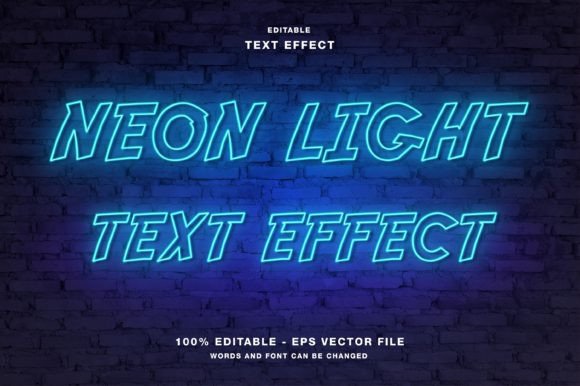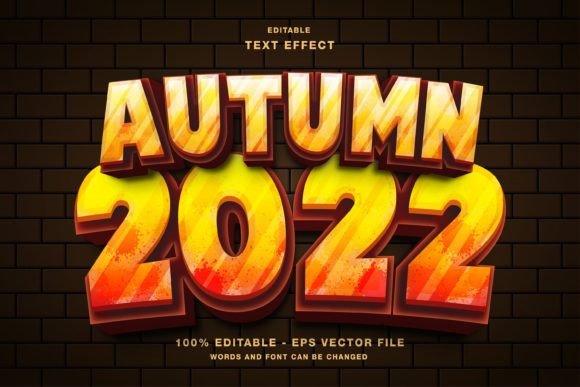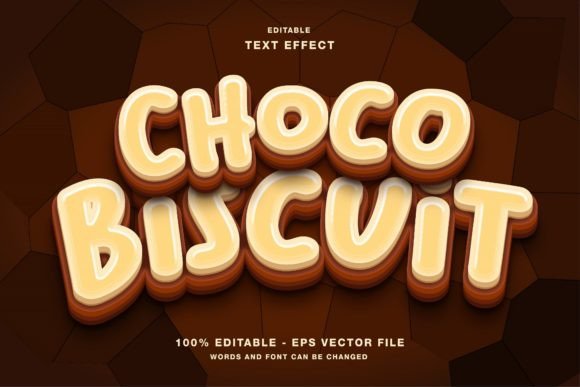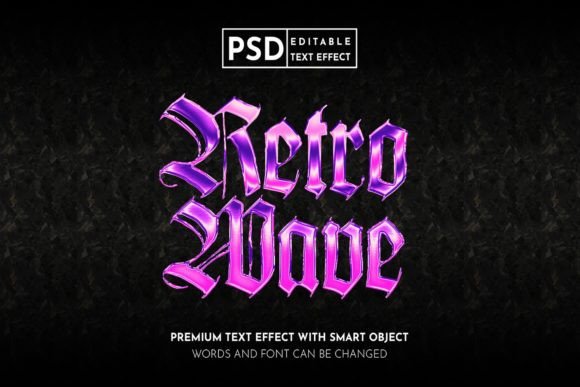
Neon Glow Editable Text Effect Guide
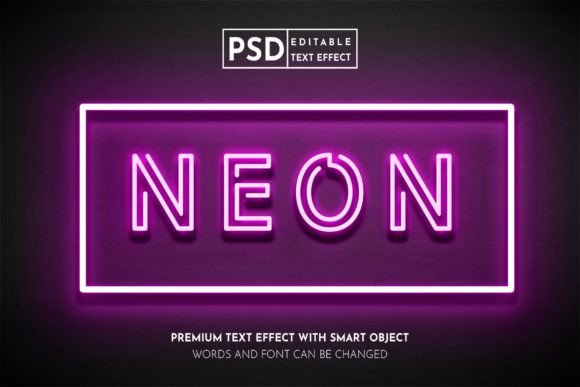
In the crowded digital landscape, visual impact is not just an advantage; it is a necessity. Whether you are scrolling through Instagram, scanning a Twitter feed, or walking past a storefront, the human eye is naturally drawn to light, contrast, and vibrancy. This is where the Neon Glow Editable Text Effect becomes an indispensable tool for modern creators. It transforms standard typography into luminous, eye-catching statements that mimic the electric allure of neon signage. By leveraging smart object technology in Photoshop, this resource bridges the gap between professional graphic design and accessible, rapid content creation.
Understanding the Technology Behind the Glow
At its core, this effect is more than just a filter; it is a sophisticated layering system designed for flexibility. The file operates in RGB color mode, which is critical for any design intended for screens. Unlike CMYK, which is used for print, RGB ensures that the neon colors appear vivid and accurate on monitors, smartphones, and tablets. The magic lies in the use of Smart Objects. This feature allows users to double-click a specific layer, paste their own text or logo, save the changes, and instantly see the complex lighting effects applied automatically. There is no need to manually adjust blending options, drop shadows, or outer glows every time you create a new post.
The inclusion of high-resolution PSD and JPG files in the main folder means that the asset is ready for immediate deployment. For those unfamiliar with Photoshop’s deeper functionalities, the well-organized folders provide a roadmap. Each element is separated, ensuring that if you do wish to tweak the intensity of the glow or the background texture, you can do so without disrupting the entire composition.
Why Different Creators Value This Tool
The utility of a Neon Glow Editable Text Effect varies significantly depending on who is using it and what they hope to achieve. Understanding these differing priorities helps in determining whether this tool aligns with your current workflow.
Social Media Managers and Marketers
For professionals managing brand presence on platforms like Instagram, Facebook, and Twitter, speed and consistency are paramount. A social media manager may need to produce dozens of promotional graphics weekly. Using a pre-made neon effect allows for rapid turnaround times without sacrificing aesthetic quality. The ability to quickly swap out text for different promotions—such as flash sales, event announcements, or quote graphics—means that the visual identity remains cohesive while the message stays fresh. The high resolution ensures that images look crisp even when compressed by social algorithms.
Small Business Owners and Entrepreneurs
Entrepreneurs often wear many hats, including that of the designer. For a small business owner, hiring a graphic designer for every flyer or digital ad may not be financially viable. This tool offers a cost-effective solution that requires no skill requirement. Whether promoting a local event, a new menu item, or a service launch, the neon aesthetic conveys energy and modernity. It is particularly effective for nightlife venues, tech startups, or creative studios looking to project a bold image. The ease of use empowers business owners to maintain control over their branding without needing to master complex software.
Content Creators and Influencers
Influencers thrive on personal branding. A unique visual style helps audiences recognize their content instantly. The customizable nature of this effect allows creators to match the neon colors to their specific brand palette. Whether it is a soft pink glow for a lifestyle blogger or an electric blue for a gaming streamer, the flexibility supports individual expression. Furthermore, the effect works exceptionally well for thumbnail designs on video platforms, where standing out in a sea of recommendations is crucial for click-through rates.
Educators and Publishers
While neon might seem unconventional for academic settings, it has a place in modern educational materials and digital publications. Educators creating engaging online courses or webinar slides can use neon text to highlight key concepts or section headers, making dry material more visually stimulating. Similarly, publishers designing digital magazines or event papers can utilize the effect for cover stories or feature headlines to grab reader attention in a digital format. The organized layers allow for precise adjustments, ensuring readability remains a priority even with the added visual flair.
Practical Applications Across Mediums
The versatility of the Neon Glow Editable Text Effect extends beyond simple social posts. Here is how different users can apply it effectively:
- Digital Advertising: Create high-contrast banner ads that stop the scroll. The glowing edges separate the text from busy backgrounds, improving legibility.
- Event Promotion: Design digital flyers for concerts, club nights, or product launches. The neon aesthetic inherently suggests excitement and evening entertainment.
- Logo Mockups: Test how a brand logo looks in a lit environment. This is invaluable for businesses considering physical signage, as it provides a realistic preview of how the brand will appear at night.
- Web Design Elements: Generate hero images or call-to-action buttons for websites. The RGB color mode ensures perfect integration with web standards.
Evaluating Ease of Use and Quality
One of the primary concerns for beginners is the learning curve. With this tool, the barrier to entry is virtually non-existent. The process is streamlined: open the PSD, locate the Smart Object layer, double-click, insert your design, and save. This simplicity does not come at the expense of quality. The high-resolution output ensures that the final image remains sharp, avoiding the pixelation that often plagues quick-fix templates.
For experienced designers, the value lies in the time saved. Instead of building a neon effect from scratch—which involves multiple layer styles, masking, and color balancing—they can use this as a base. The fully layered structure allows for deep customization. If a project requires a specific type of flicker or a unique background texture, the organized folders make these modifications straightforward. This balance between automation and control makes it suitable for both novices and veterans.
Making the Right Choice for Your Project
When deciding if this effect fits your needs, consider your end goal. If you are printing physical materials, remember that this file is optimized for RGB screens. While it can be converted, the true brilliance of neon is best experienced digitally. If your project involves web designs, social media promotions, or digital publications, this tool is ideal. It offers a blend of reliability and creativity that supports various commercial and personal projects.
Ultimately, the Neon Glow Editable Text Effect is about empowering creators to produce professional-grade visuals with minimal friction. It respects the user’s time while delivering a high-impact result. Whether you are a freelancer looking to impress a client, a hobbyist experimenting with digital art, or a marketer driving engagement, this tool provides the luminous edge needed to make your message shine. By understanding its features and applications, you can integrate it seamlessly into your creative toolkit, enhancing both the speed and quality of your visual communication.