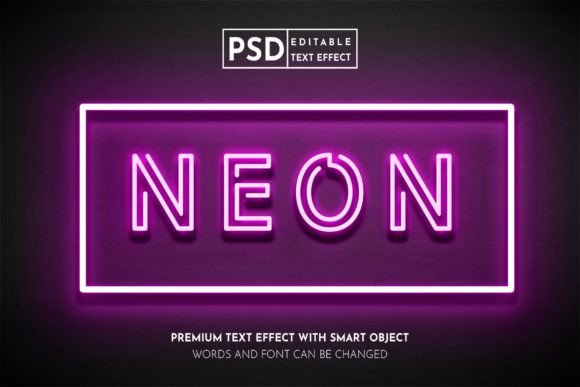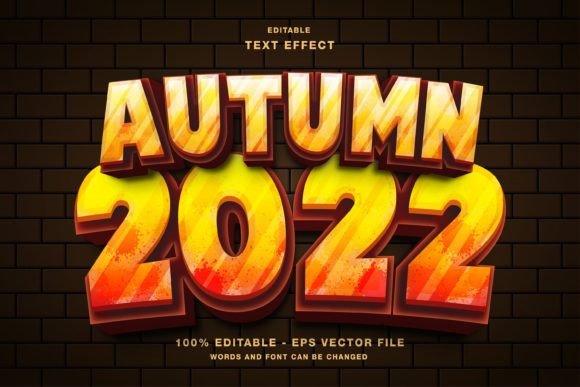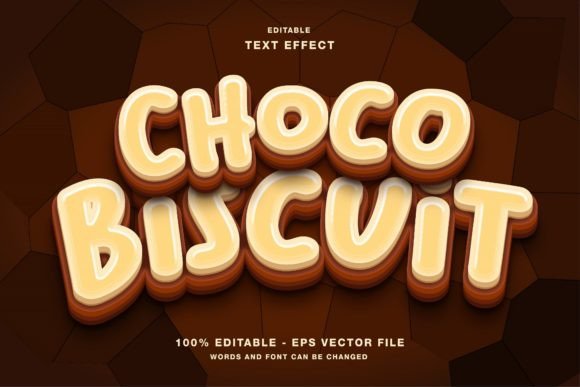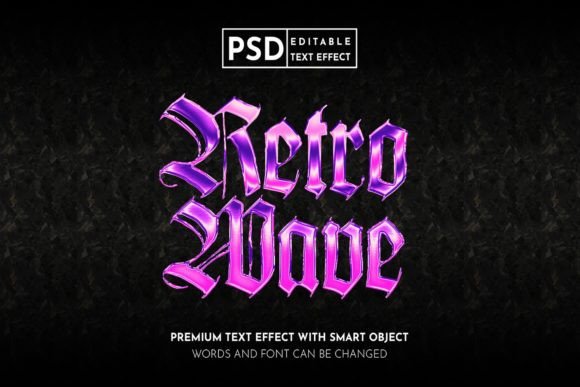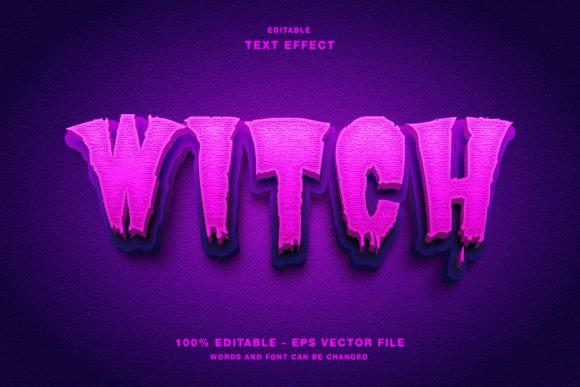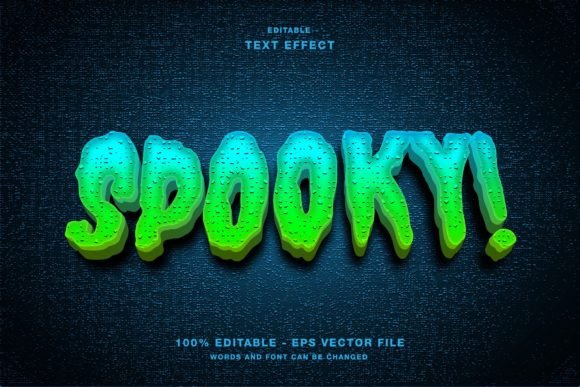
Spooky 3D Editable Text Effect Guide
Halloween marketing is no longer just about pumpkins and candy corn. In today’s saturated digital landscape, capturing attention requires visual depth, texture, and a touch of the macabre. This is where the Spooky 3D Editable Text Effect becomes an indispensable asset for designers, marketers, and content creators. Whether you are crafting a chilling headline for a social media campaign or designing a high-impact poster for a local haunted house event, this tool offers a seamless blend of aesthetic appeal and technical flexibility.
Unlike static raster images that lose quality when resized or require complex Photoshop skills to modify, this effect is built for Adobe Illustrator. It leverages vector-based precision, ensuring that your typography remains crisp on everything from a mobile screen to a large-format banner. The core value proposition here is efficiency without sacrificing creativity. You get a professional-grade 3D look that is fully customizable, allowing you to maintain brand consistency while tapping into seasonal trends.
Why Vector-Based 3D Effects Matter
Many designers hesitate to use pre-made text effects because they fear being locked into a specific style or color palette. However, this Spooky 3D Editable Text Effect is designed with adaptability in mind. Since the primary files are in EPS format, every element is editable. You are not just pasting an image; you are working with live shapes and paths.
The RGB color mode is particularly significant for modern applications. While print traditionally relies on CMYK, the majority of contemporary consumption happens on screens. Instagram stories, Twitter headers, Facebook ads, and digital magazines all render in RGB. By optimizing for this color space, the effect ensures vibrant, glowing hues that pop against dark backgrounds—a staple of spooky aesthetics. The depth and shadowing are calculated to look natural on backlit displays, enhancing readability and engagement.
Key Characteristics and Customization
What sets this text effect apart is its balance between complexity and ease of use. Here are the notable qualities that make it a practical choice for professionals:
- Fully Editable Text: The most critical feature is the ability to change the copy instantly. You do not need to rebuild the 3D extrusion or reapply shadows manually. Type your new headline, and the effect updates automatically.
- High-Resolution Assets: The package includes both EPS and JPG files. The EPS allows for infinite scalability and deep editing within Illustrator, while the high-res JPGs offer a quick drag-and-drop solution for non-designers or rapid prototyping.
- Layered Structure: Elements are organized logically. This means you can isolate specific parts of the 3D structure to tweak colors, adjust lighting angles, or modify textures without affecting the entire composition.
- Versatile Aesthetic: While themed for Halloween, the underlying 3D structure is neutral enough to be adapted for other genres. With minor color adjustments, it can serve for horror movie promotions, thriller book covers, or even edgy streetwear branding.
Practical Applications Across Industries
The utility of this text effect extends far beyond simple holiday greetings. For entrepreneurs and small business owners, visual consistency across platforms is key to building brand recognition. Here is how different professionals can leverage this tool:
Social Media and Digital Marketing
On platforms like Instagram and TikTok, the first three seconds of interaction are crucial. A static, flat text overlay often gets scrolled past. Using a Spooky 3D Editable Text Effect adds immediate visual weight. Imagine promoting a limited-time October sale. Instead of a plain red font, your discount code appears to float off the screen with eerie shadows and depth. This increases dwell time and click-through rates because the eye is naturally drawn to three-dimensional objects.
For Twitter and Facebook, where competition for attention is fierce, these headlines can stop the scroll. The RGB optimization ensures that the colors remain vivid even when compressed by social media algorithms.
Print and Event Promotion
While the native mode is RGB, the vector nature of the EPS files means you can easily convert them for print if necessary, or use them for digital-first print materials like flyers and posters distributed via QR codes. Event organizers for haunted attractions, escape rooms, or horror-themed parties can use this effect to create cohesive branding. From the initial email invitation to the physical ticket design, the 3D text provides a unified visual language that signals "thriller" before the user even reads the details.
Editorial and Content Creation
Bloggers and online publishers can use this effect for featured images and article headers. A magazine cover story about the history of horror cinema or a blog post reviewing scary movies gains instant credibility with professional typography. It elevates the perceived value of the content, making it look like it was produced by a dedicated art department rather than a solo creator using basic tools.
Enhancing Workflow Efficiency
Time is a scarce resource for freelancers and agency teams. Creating a convincing 3D text effect from scratch in Illustrator involves multiple steps: extruding paths, managing complex gradient meshes, adjusting lighting sources, and refining edges. This process can take hours for a single headline. With this pre-built effect, you reduce that time to minutes.
This efficiency allows you to focus on strategy and messaging rather than technical execution. You can A/B test different headlines quickly, swapping out text to see which version resonates better with your audience. For educators teaching graphic design, this file serves as an excellent learning resource. Students can deconstruct the layers to understand how 3D illusions are created in a 2D environment, providing hands-on experience with advanced Illustrator techniques.
Considerations for Best Results
To get the most out of the Spooky 3D Editable Text Effect, keep a few best practices in mind. First, consider contrast. Since 3D effects rely on shadows and highlights, ensure your background color provides enough separation. Dark backgrounds often work best for spooky themes, allowing the lighter parts of the 3D text to glow. Second, pay attention to legibility. While the effect is visually striking, do not let the decoration overpower the message. Keep the text concise and impactful.
Finally, remember that while the JPGs are convenient, the EPS files hold the real power. If you have access to Adobe Illustrator, always start with the vector file. This ensures that if you need to resize the graphic for a billboard or a business card, you will never encounter pixelation issues.
Incorporating high-quality, editable assets like this into your design toolkit is a smart move for any creative professional. It bridges the gap between amateur aesthetics and professional polish, offering a scalable solution for seasonal and thematic design needs. By leveraging these ready-made yet fully customizable elements, you can deliver compelling visual narratives that engage audiences and drive results.